6 ChatPDF Alternatives in 2026: The Most Powerful AI Tools
By Mindgrasp|Mindgrasp blog|January 9, 2026
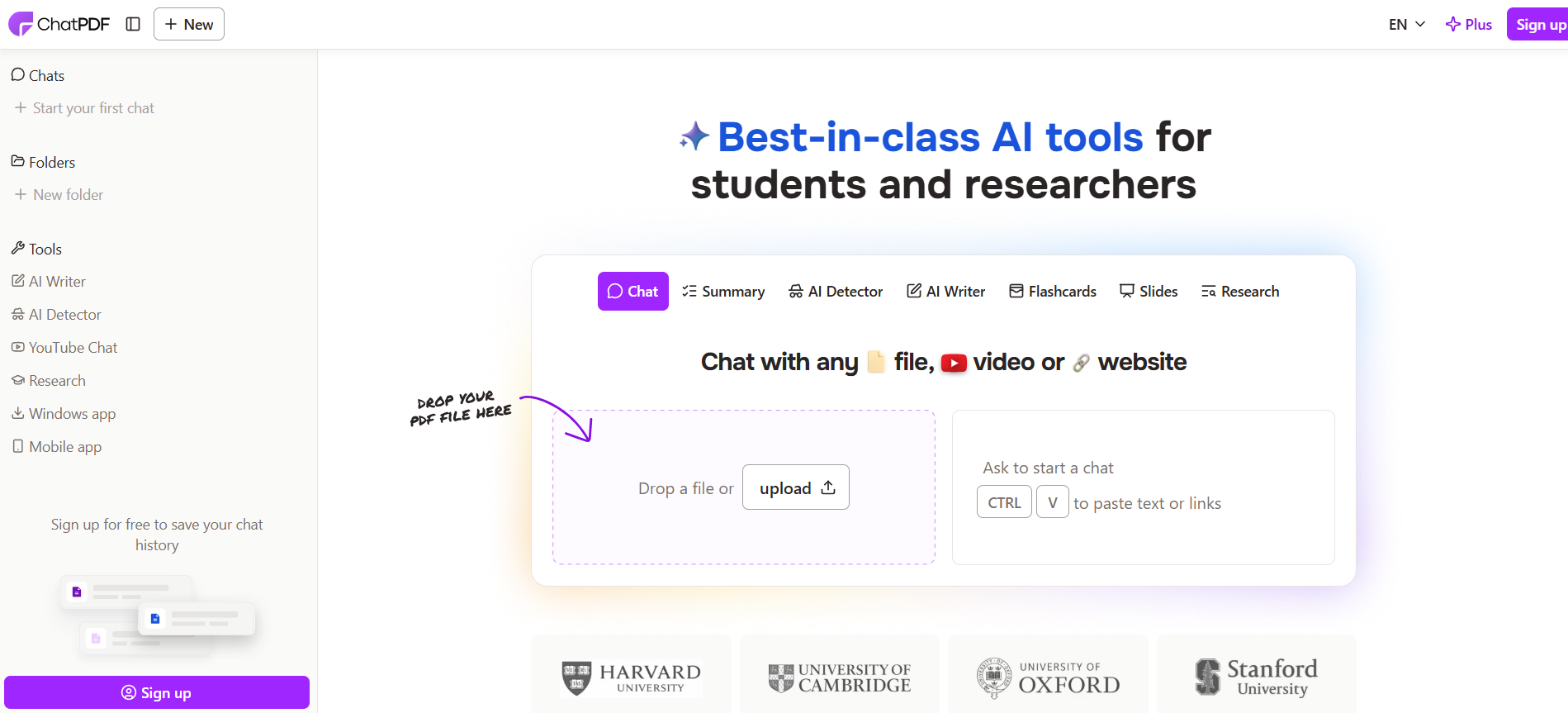
PDFs remain one of the most common formats used in education, research, and professional work. Students rely on PDFs for textbooks, lecture slides, readings, assignments, and academic papers. As these documents become longer and more complex, many learners turn to AI-powered tools to help them extract information more efficiently. One of the most well-known tools in this space is ChatPDF, which allows users to upload a PDF and ask questions about its contents.
ChatPDF gained popularity because it removes the need to manually search through pages of text. Instead of skimming or using keyword search, users can ask direct questions and receive AI-generated answers based on the document. For quick clarification or surface-level understanding, this approach can be helpful.
However, as more students begin using ChatPDF consistently, its limitations become clear. ChatPDF is designed for interaction, not learning. It answers questions but does not help users build structured notes, practice recall, or retain information over time. It treats each PDF as a one-off interaction rather than part of a broader study workflow.
This is why many students are now searching for ChatPDF alternatives that do more than chat with documents. The best AI study tools in 2026 are designed to help users move from reading to understanding, and from understanding to long-term retention. They turn PDFs into organized knowledge, generate practice materials, and support exam preparation across an entire semester.
Below are the most effective ChatPDF alternatives available today, starting with the most comprehensive solution.
1. Mindgrasp: The Best ChatPDF Alternative for Serious Studying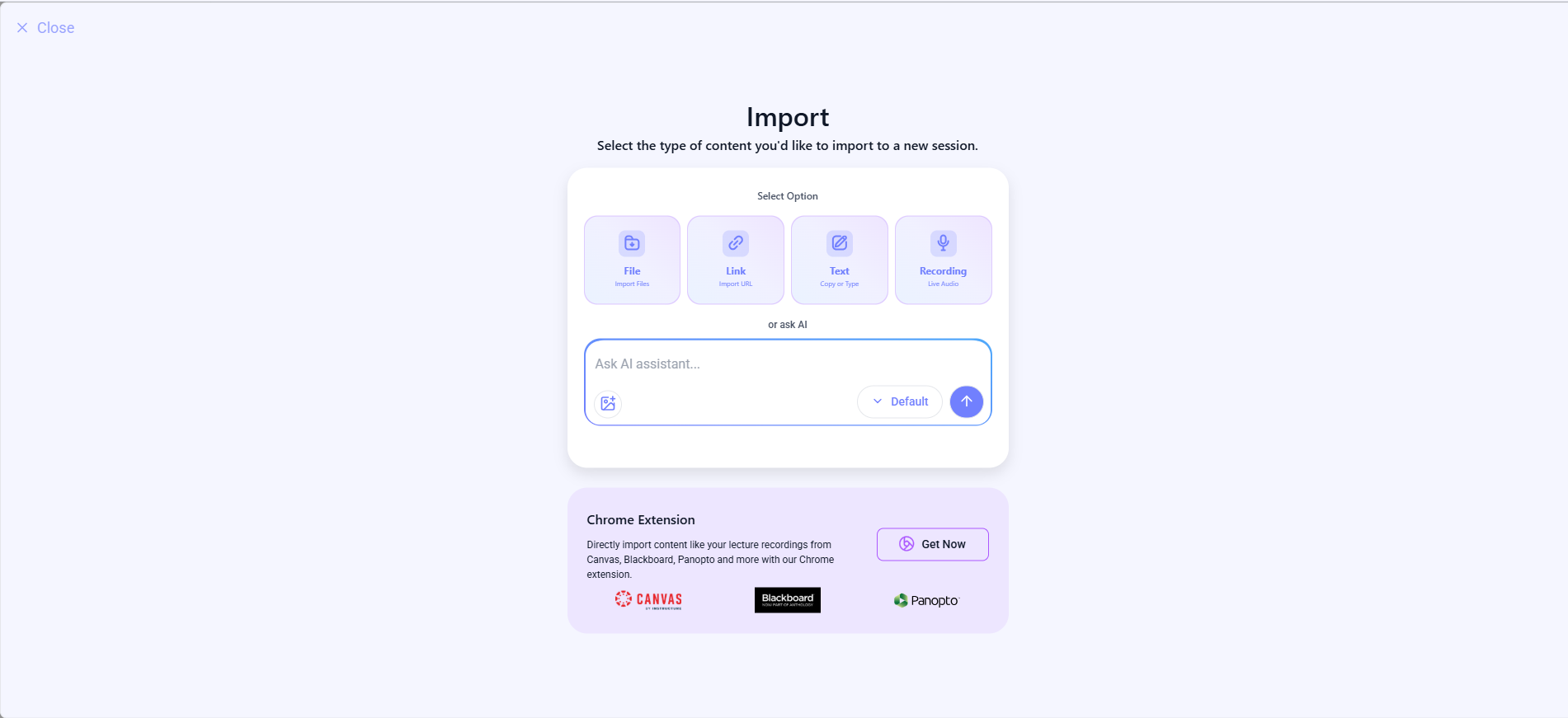
Mindgrasp is the most complete ChatPDF alternative because it is built specifically for learning, not just document interaction. While ChatPDF focuses on answering questions from a single PDF, Mindgrasp is designed to support the full academic process from first exposure to final exam review.
Students can upload PDFs, PowerPoint slides, Word documents, textbooks, recorded lectures, and YouTube videos into one workspace. Instead of responding with isolated answers, Mindgrasp converts this material into structured, well-organized notesthat highlight key ideas, definitions, and relationships between concepts. This makes it much easier to review long PDFs weeks later without rereading the entire document.
Mindgrasp goes further by automatically generating AI-powered quizzes and flashcardsfrom uploaded PDFs. These are not generic practice questions. They are created directly from the actual content, which means students are practicing exactly what they need to know. This active recall approach helps reinforce memory and identify weak areas early.
Another major advantage over ChatPDF is Mindgrasp’s context-aware AI tutor. Students can ask detailed follow-up questions, request simpler explanations, or explore related topics, and the AI responds using the uploaded PDFs and notes as context. This keeps explanations aligned with course material instead of pulling from unrelated sources.
Mindgrasp also excels at long-term organization. Notes, quizzes, and flashcards remain saved and grouped by topic or course, making cumulative exam preparation far more manageable. Students can return to the same materials repeatedly and build on their understanding over time.
For anyone who wants to turn PDFs into a complete, reusable study system instead of a one-time conversation, Mindgrasp is the strongest ChatPDF alternative in 2026.
Best for: Students who want to transform PDFs into structured notes, quizzes, flashcards, and long-term study workflows.
2. AskYourPDF: Simple and Direct PDF Question Answering
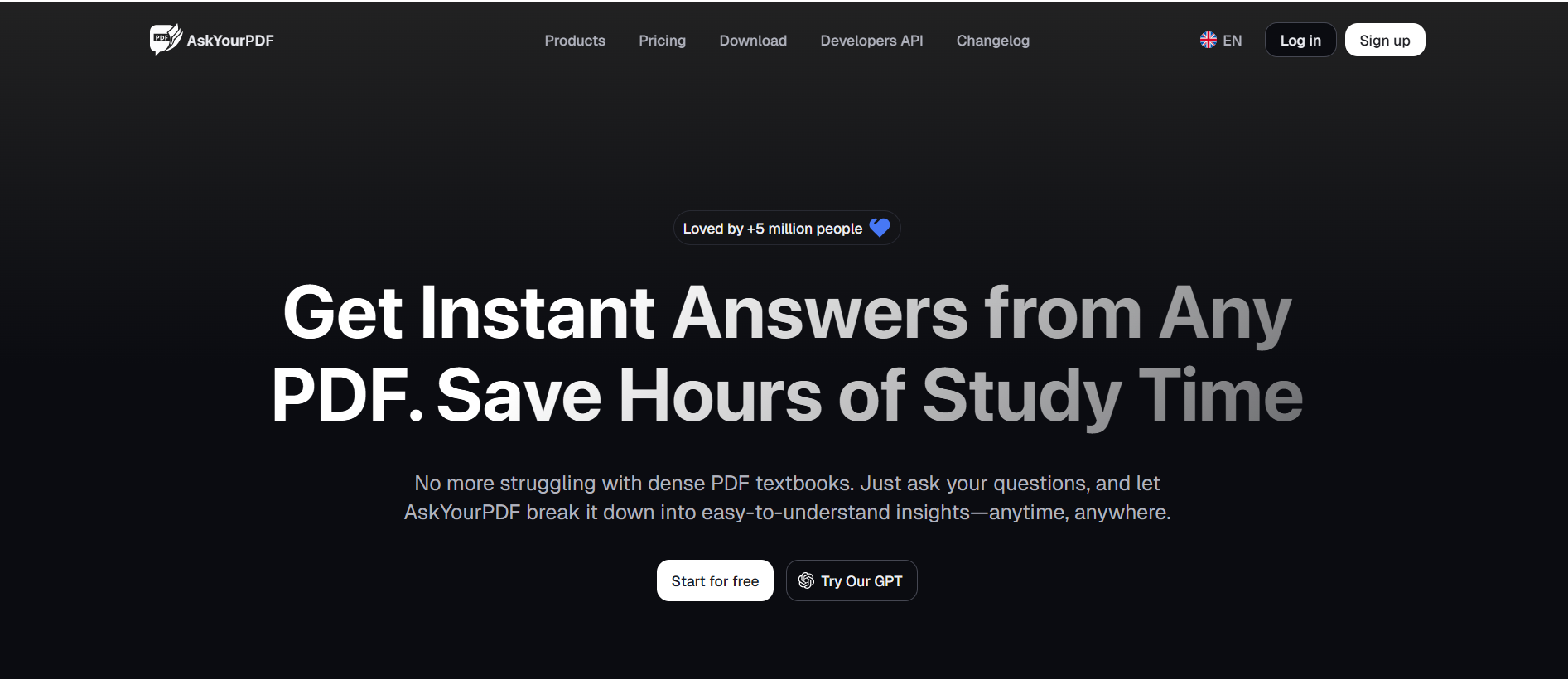
AskYourPDF is one of the closest competitors to ChatPDF in terms of core functionality. It allows users to upload PDFs and ask questions directly, making it useful for quickly finding specific information within a document.
This tool works well for reference-style use cases, such as reviewing reports, manuals, or dense readings where the goal is to locate answers efficiently. For users who know exactly what they are looking for, AskYourPDF can save time.
However, AskYourPDF stops at question answering. It does not help users summarize material into notes, generate practice questions, or revisit content in a structured way. Once the questions are answered, there is little support for deeper learning or retention.
As a result, AskYourPDF is best used as a short-term tool rather than a primary study platform.
Best for: Fast clarification and information extraction from individual PDFs.
3. Humata AI: Advanced PDF Analysis for Technical Content
Humata AI is often used by graduate students and professionals working with technical or research-heavy PDFs. It is particularly strong at summarizing complex academic papers, explaining formulas, and clarifying advanced concepts.
Compared to ChatPDF, Humata AI often provides more detailed and precise explanations, especially in STEM-related documents. This makes it useful for research and analysis tasks.
That said, Humata AI is not designed for studying across a semester. It does not create structured notes, quizzes, or flashcards, and it does not support long-term review. Many students use it alongside other AI study tools rather than relying on it alone.
Best for: Technical PDFs, research papers, and advanced academic analysis.
4. ScholarAI: Academic Research Support
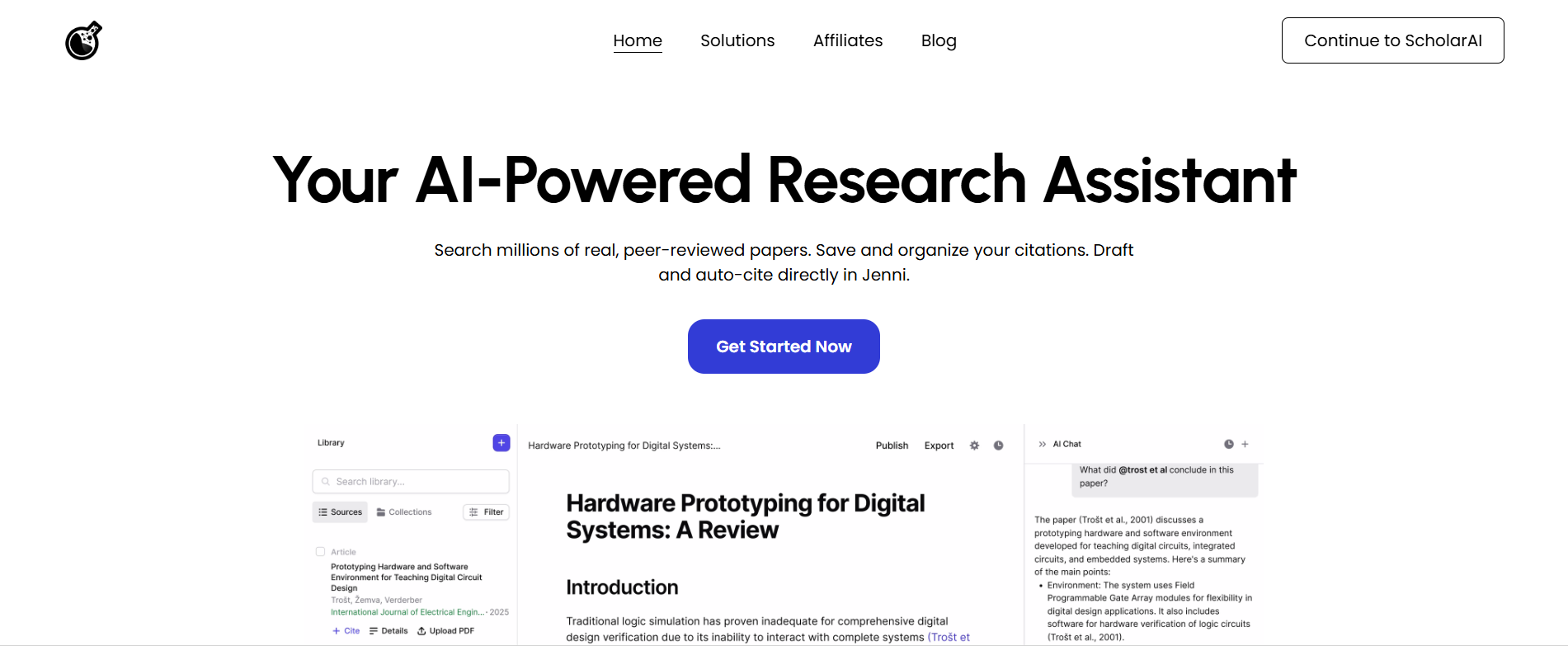
ScholarAI focuses on helping users understand academic literature. It summarizes research papers, extracts key findings, and explains terminology used in scholarly writing.
This makes ScholarAI valuable for literature reviews and research projects. However, it is less effective for coursework and exam preparation. It does not emphasize active recall, organization, or long-term study planning.
For students whose primary goal is passing exams rather than conducting research, ScholarAI often feels incomplete.
Best for: Summarizing and understanding academic research papers.
5. Quizlet: Memorization After Reading PDFs
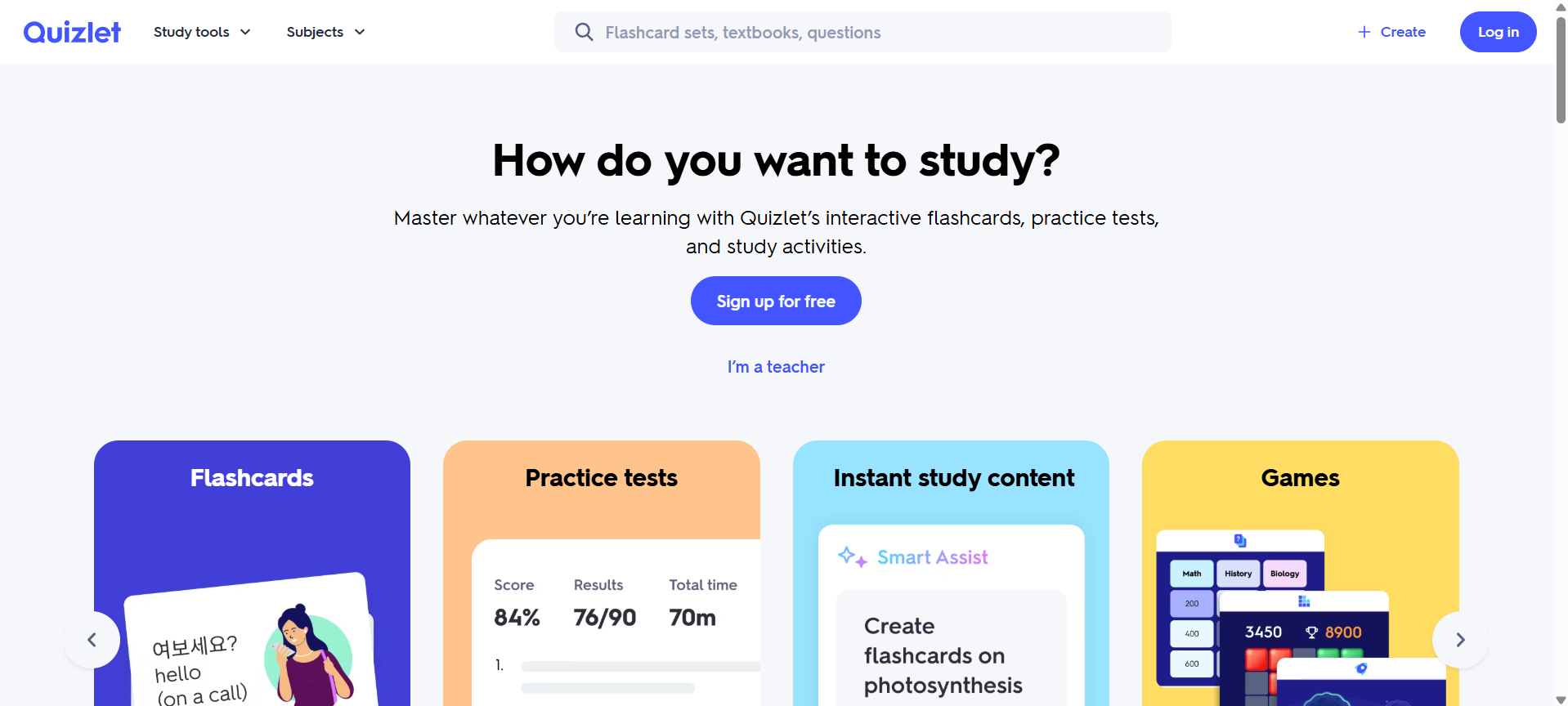
Quizlet is not a ChatPDF competitor in the traditional sense, but it is frequently used after students review PDFs. Once key concepts are identified, Quizlet helps reinforce them through flashcards and repetition.
Quizlet excels at memorization, especially for definitions, formulas, and vocabulary. However, it requires manual input and does not analyze PDFs automatically. It works best when paired with tools that handle content extraction and organization.
Best for: Flashcards, memorization, and spaced repetition.
6. Chegg: Applying PDF Concepts to Problems
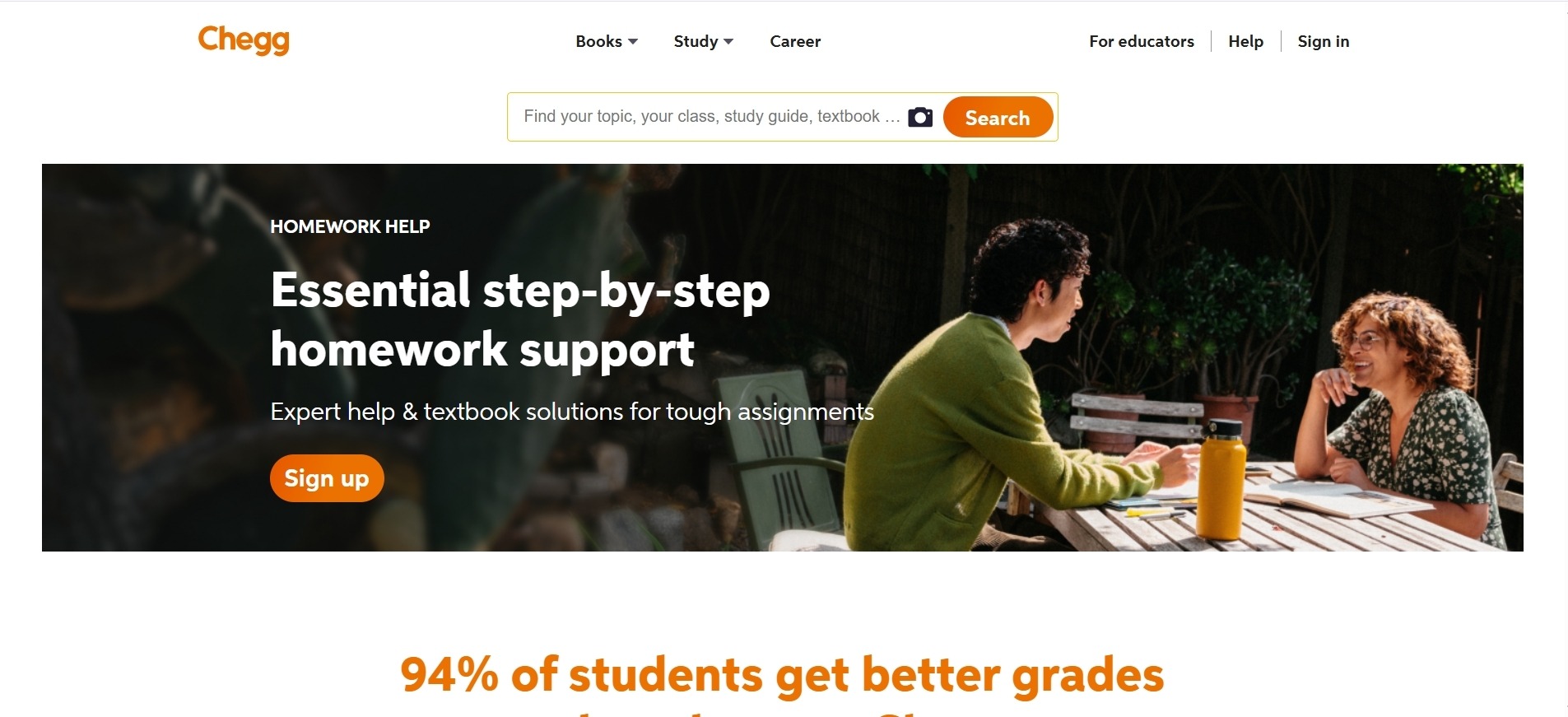
Chegg supports students who need help applying what they read in PDFs to homework and practice problems. Its step-by-step solutions are especially useful in math, science, and engineering courses.
While Chegg does not interact with PDFs directly, it plays an important role in helping students understand how concepts are used in practice. Many learners use Chegg after reviewing material to see worked examples.
Best for: Homework help and applied problem solving.
7. When ChatPDF Still Makes Sense
ChatPDF still serves a purpose for quick, isolated PDF interactions. It is useful when a user needs to clarify a paragraph, locate a quote, or skim a document efficiently.
However, it is not designed for sustained studying. It does not help users organize information across multiple PDFs, practice recall, or revisit material over time. For students managing several classes, these limitations quickly become apparent.
Best for: Short-term PDF questions and quick document review.
Final Takeaway: The Best ChatPDF Alternative for Long-Term Learning
ChatPDF is effective at answering questions from PDFs, but studying requires more than answers. Real learning involves organizing information, practicing recall, and revisiting material over time. This is where many ChatPDF alternatives outperform it.
Among all available options, Mindgrasp is the clear leader. It transforms PDFs into structured notes, generates quizzes and flashcards for active learning, and provides an AI tutor that understands your actual course materials. Instead of treating PDFs as isolated files, Mindgrasp turns them into reusable study assets that support learning throughout the semester.
Other tools still serve valuable roles. AskYourPDF and Humata AI are useful for extracting information. ScholarAI supports research. Quizlet strengthens memorization, and Chegg helps with application. But most of these tools address only one part of the process.
Mindgrasp brings everything together. For students who want more than surface-level PDF interaction and are serious about understanding, retention, and exam success, Mindgrasp is the best ChatPDF alternative in 2026.
Try Mindgrasp now for free.