Top 7 TLDL Alternatives for Smarter Studying
If you’re searching for TLDL alternatives, you’re probably not just casually browsing. You’re looking for an AI study tool that actually helps you understand your classes, remember the material, and perform better on exams — not something that just records lectures or produces surface-level summaries.
AI study tools are everywhere right now. Tools like TLDL have made it easier to capture lectures and meetings automatically, but many students quickly realize that recording content alone isn’t enough. Accuracy, depth, and tools that help you work with the material matter way more than just having a transcript.
This guide breaks down the best alternatives to TLDL, why students start looking elsewhere, and how to choose the right AI study tool based on how you actually study.
What Is TLDL?
TLDL is an AI-powered tool designed to record, transcribe, and summarize lectures, meetings, and discussions. Students often use it to make sure they don’t miss important points during class, especially in fast-paced or lecture-heavy courses.
The general idea is simple:
Record your lecture or meeting, get a transcript and summary, and review it later.
While TLDL can be helpful for capturing information, many students find that it falls short when it comes to deeper learning, structured studying, or long-term retention. It focuses on what was said, but doesn’t always help turn that information into clear study materials, test your understanding, or guide exam prep.
Below are the top tools students usually compare when they want something more powerful than TLDL.
1. Mindgrasp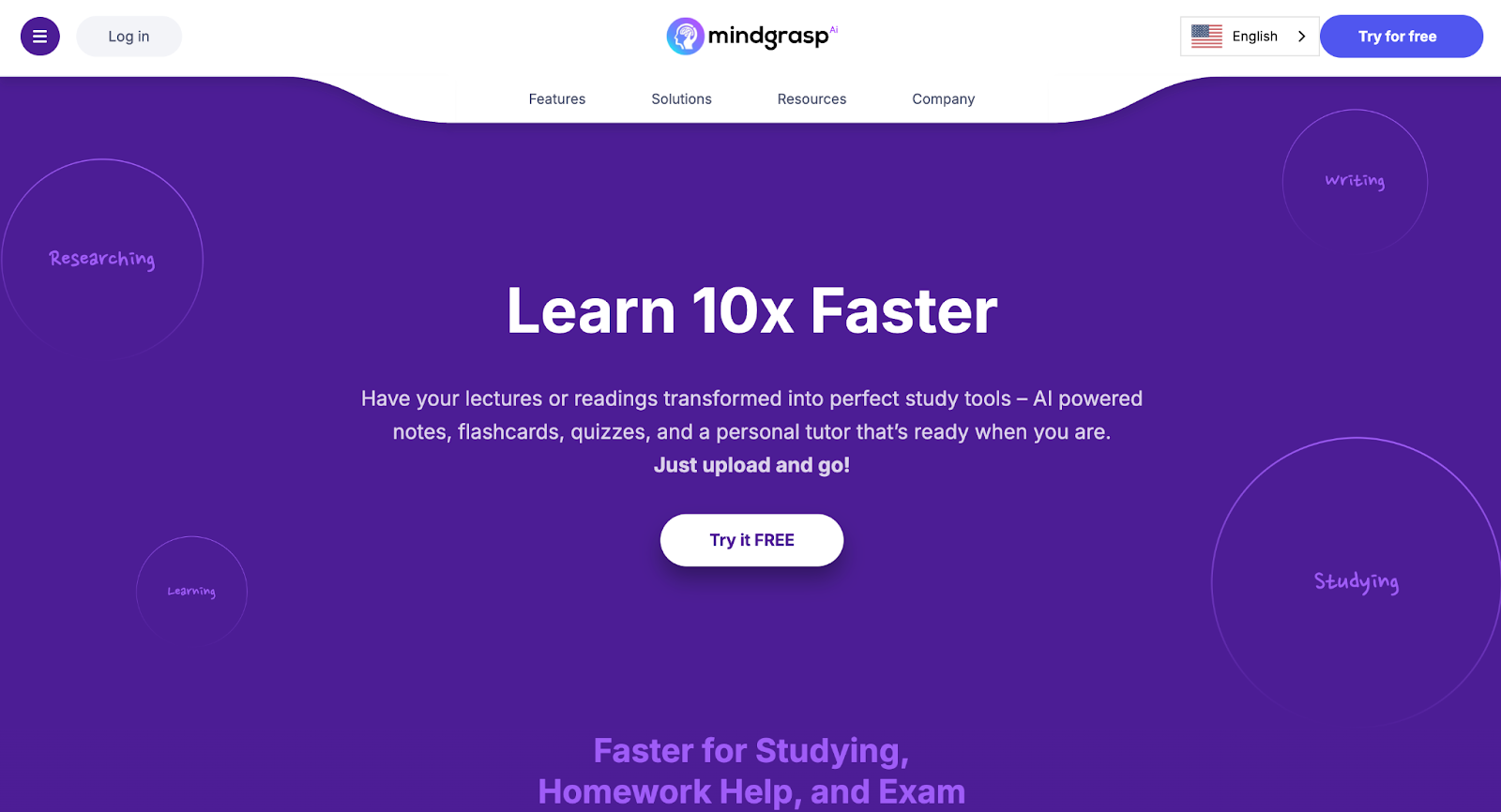
A complete study workflow, not just lecture capture
Mindgrasp is the strongest alternative to TLDL because it goes far beyond recording and summarizing lectures. While TLDL focuses on capturing what was said, Mindgrasp is built to help students actually learn from that content. It turns lectures, readings, videos, and assignments into structured study materials you can actively use — instead of leaving you with raw transcripts to sort through later.
Rather than stopping at summaries, Mindgrasp helps you interact with your material. You can ask questions, test your understanding, and reinforce concepts through flashcards and quizzes, all based on the exact content you’re studying. This makes it much easier to move from “I recorded the lecture” to “I actually understand this for the exam.”
Main Benefits:
- Converts lectures, PDFs, videos, and links into clear notes, flashcards, and quizzes
- Lets you ask questions and get answers grounded in your own course material, as well as accessing Google Scholar, Google, and your past uploads to base its answers from
- Supports active recall and retention instead of passive review
- Works especially well for lecture-heavy and exam-focused courses
Best for:
Students who want more than lecture recordings — especially those who need help turning class content into usable study materials, reinforcing understanding, and preparing confidently for exams.
2. Notion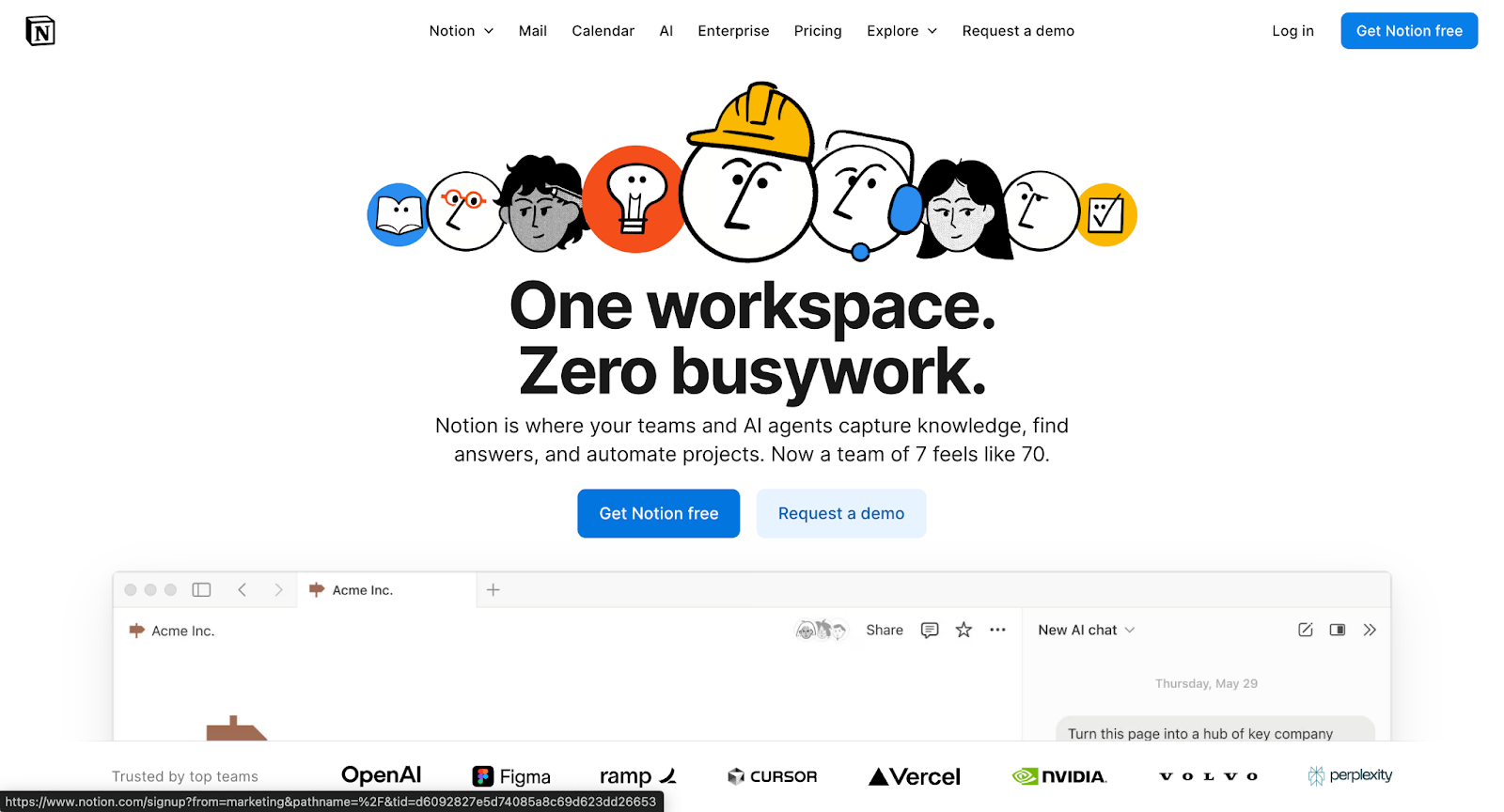
Flexible note-taking and organization for managing study content
Notion is a productivity and note-taking tool that many students use to organize class materials, assignments, and study plans in one place. As an alternative to TLDL, it works best for structuring and storing information after you’ve captured it — letting you turn transcripts, notes, or summaries into organized pages, databases, and study dashboards.
While Notion doesn’t record lectures or automatically turn them into study materials on its own, it gives students a lot of control over how their content is organized. Many students pair it with other tools to manage schedules, track assignments, and keep everything related to a class in one workspace.
Main Benefits:
- Highly customizable pages for notes, tasks, and study organization
- Databases and templates for tracking classes, assignments, and deadlines
- Useful for structuring lecture notes, summaries, and study plans
Best for:
Students who want a centralized workspace to organize class content, plan their workload, and structure study materials — especially if they prefer manual control over automation and use other tools to capture or generate the content first.
3. Otter AI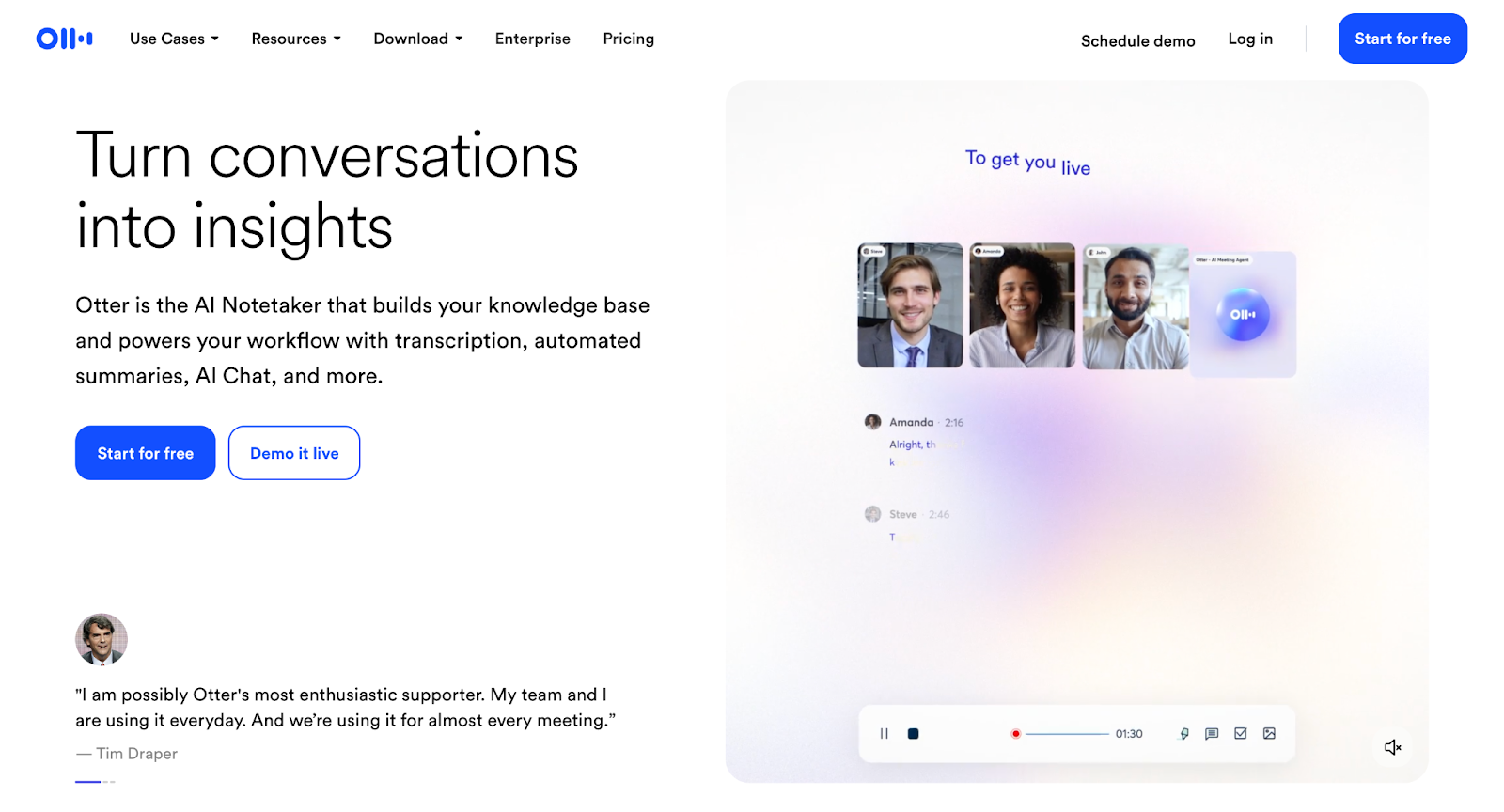
Transcribe and interact with your lectures and discussions seamlessly
Otter AI is a smart transcription and note-capture tool that helps students focus on learning instead of frantic note-taking. With Otter, you can record live lectures or upload audio/video and get a clean, searchable transcript. This makes reviewing class discussions, group work, or voice recordings way easier — especially when paired with your other study tools.
Main Benefits:
- Converts spoken lectures and conversations into editable, searchable text
- Organizes transcripts with timestamps and speaker identification
- Makes reviewing spoken content quick and efficient
Best for:
Students who want an easy way to capture and revisit class lectures, discussions, or recorded study sessions — especially if you struggle to keep up with note-taking in real time.
4. Notta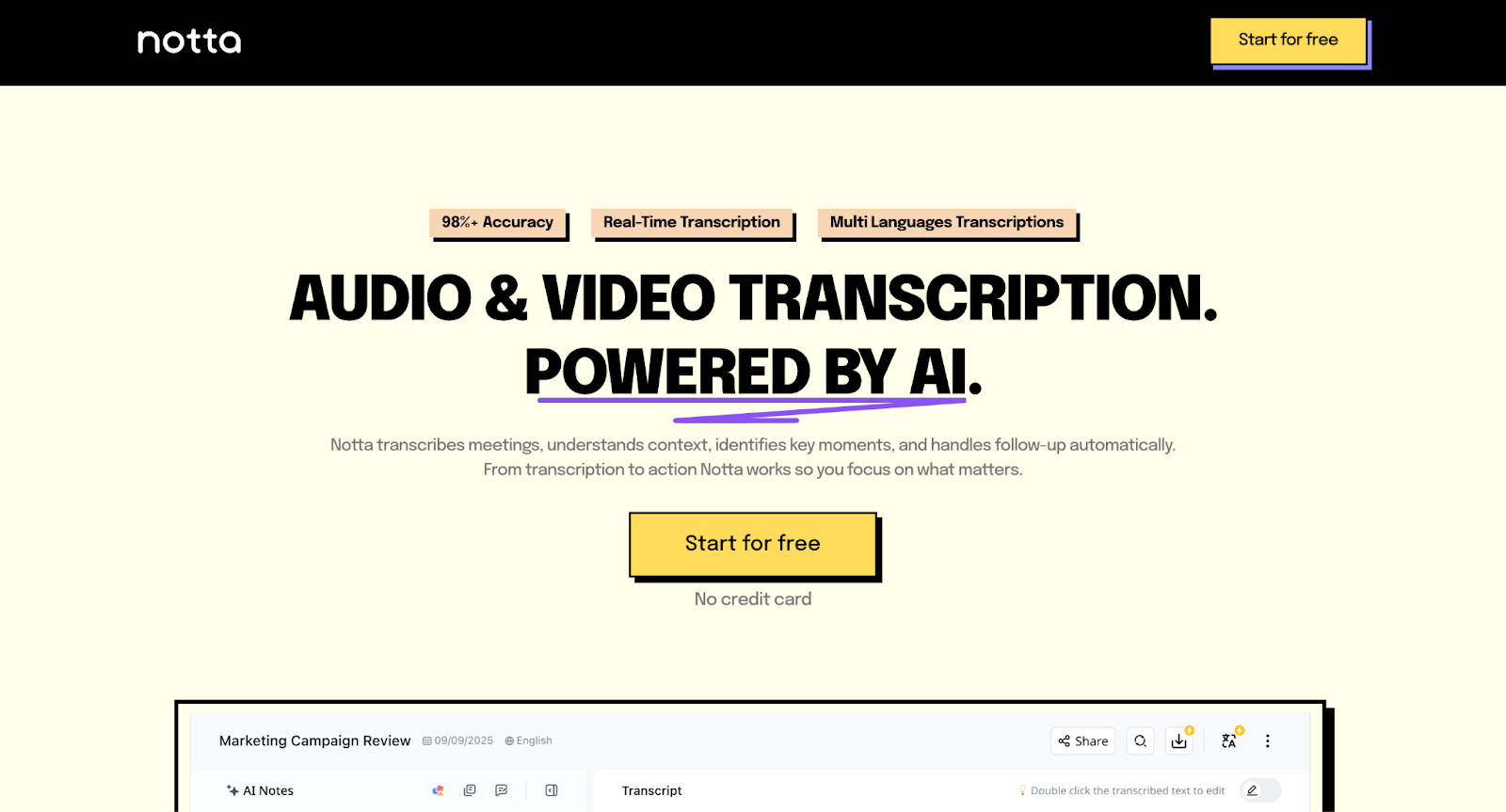
Transcribe, organize, and search your audio like a study buddy
Notta is an AI-powered transcription and voice-note tool that helps you turn spoken content into text you can review, search, and interact with. It’s perfect for students who deal with lots of recorded lectures, study group chats, or audio files and want a way to actually use that content later — without spending hours typing or guessing what was said.
Main Benefits:
- Converts lectures, meetings, and recordings into clear, editable text
- Lets you search through transcripts so you can find key points instantly
- Helps you organize audio notes for later review
Best for:
Students who want a smoother way to capture and revisit everything said in class, discussions, or recorded study sessions — especially if you hate missing details or want to study smarter, not harder.
5. Atlas.org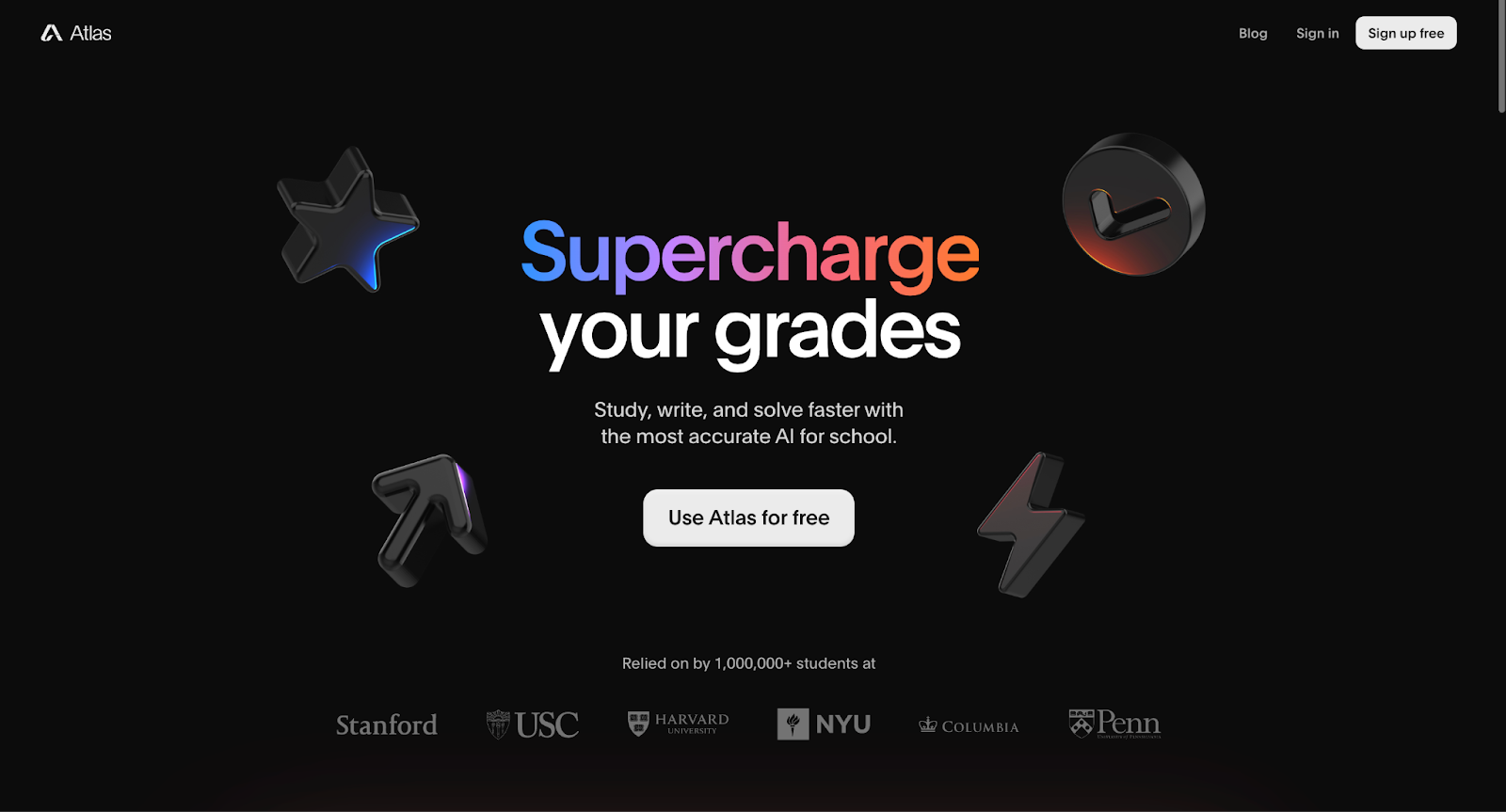
A full-service AI study copilot built around your own course materials
Atlas.org is an AI-powered academic assistant that helps students study more efficiently by working with the materials you upload — like lectures, textbooks, slides, audio, and notes — to generate explanations, practice tools, and tailored study resources. It aims to give you help across homework, summaries, flashcards, quizzes, and writing support all from the content you actually need to learn.
Main Benefits:
- Uses your class materials to generate personalized notes, summaries, and study guides
- Turns uploads into flashcards, quizzes, and explanations to reinforce learning
- Helps with homework and writing tasks by interpreting your specific course content
Best for:
Students who want a tool that goes beyond generic summaries and actually works with the exact files and lectures they’re studying — building study resources tailored to their class materials.
6. TheaStudy.com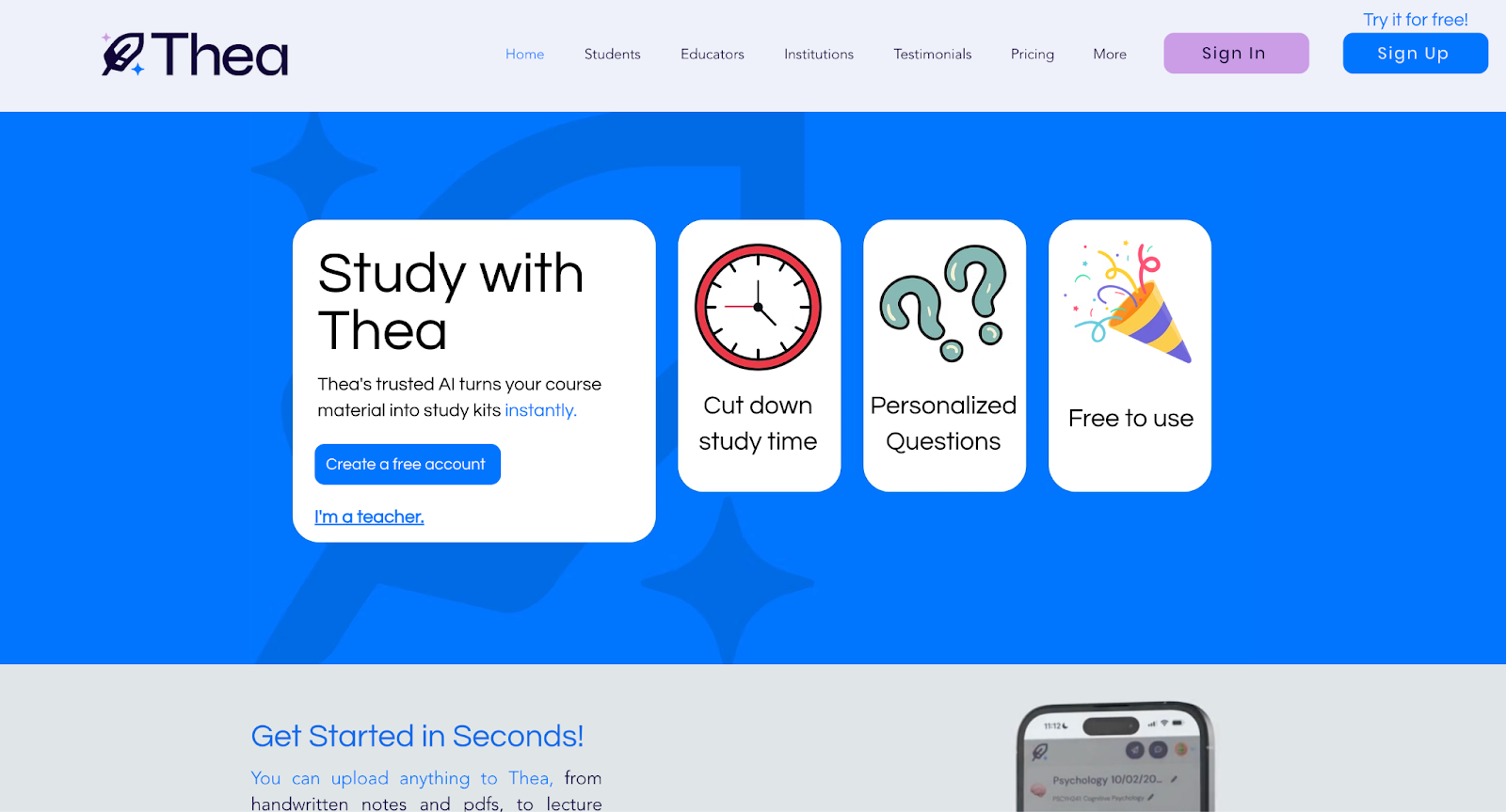
Video-first lessons and guided explanations to help you learn concepts better
TheaStudy.com is an online learning platform packed with short video lessons, quizzes, and study guides across many subjects, designed to help students grasp concepts instead of just memorizing facts. It’s like having a virtual tutor explain things step by step, so you can see and hear the ideas in action — which makes it a great alternative if you prefer guided learning over automatic summarization.
Main Benefits:
- Engaging video lessons that break down major topics in simple language
- Practice questions and quizzes to test your understanding
- Study guides that help connect ideas and build confidence
Best for:
Students who learn best by watching explanations and reviewing practice questions — especially if you like a tutor-style experience that walks you through lessons, examples, and key concepts.
7. Perplexity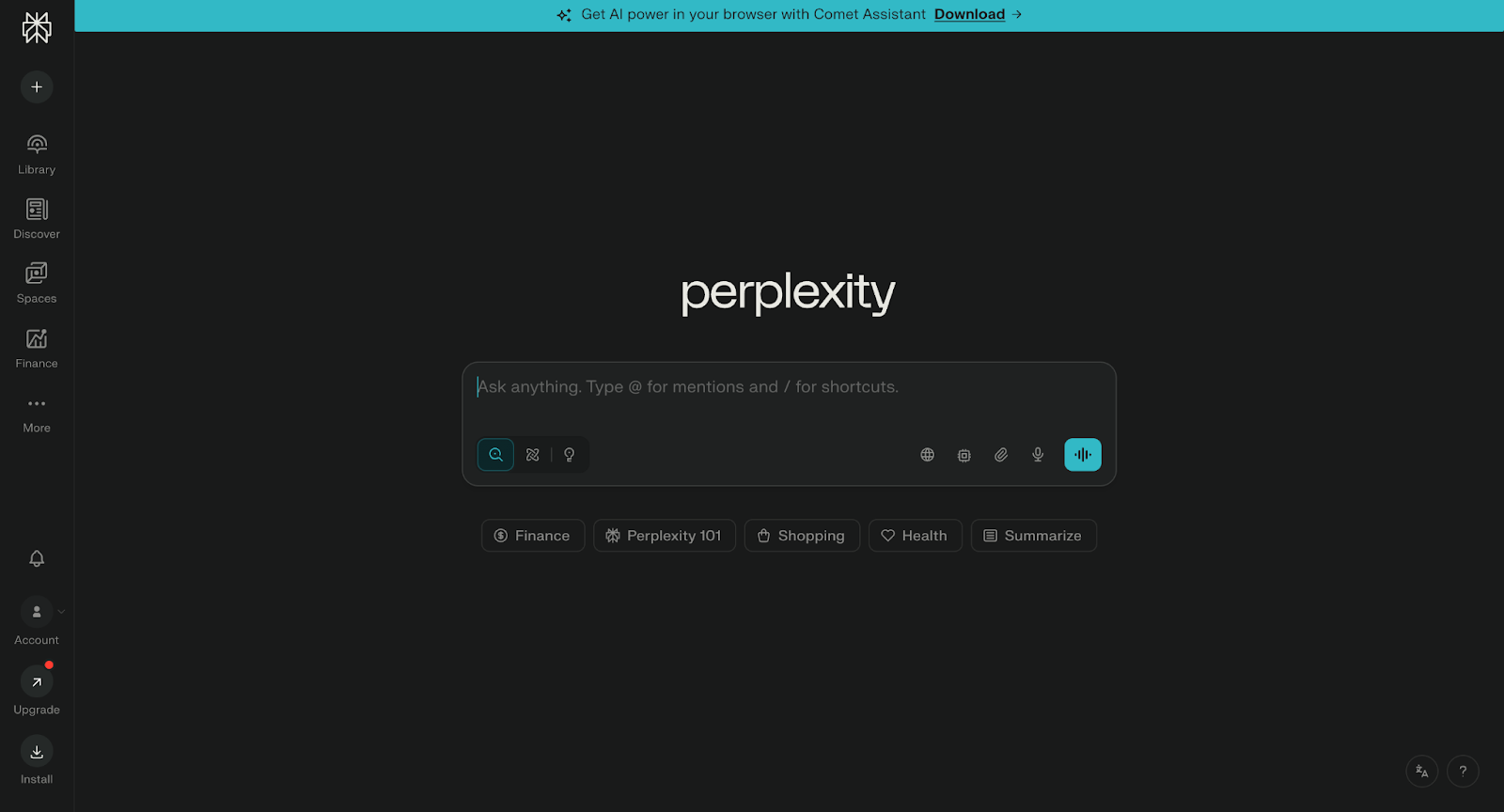
Fast, sourced answers when you need clear explanations
Perplexity is an AI research tool that helps you get quick, direct answers to questions with context and sources you can check. Instead of just giving generic replies, it pulls in relevant information and shows you where that information came from, making it easier to trust and build on what you learn.
Main Benefits:
- Provides clear, concise answers to specific questions
- Shows context and sources so you can verify and explore further
- Great for researching definitions, concepts, and explanations
Best for:
Students who want fast, trustworthy explanations or research help — especially when you’re trying to understand a concept quickly or gather context for essays, projects, or deeper study.
Why Mindgrasp Is the Best TLDL Alternative
Mindgrasp stands out as the best alternative to TLDL because it doesn’t stop at recording or summarizing your lectures — it helps you actually learn from them. While TLDL is great for capturing what was said, Mindgrasp takes the next step by turning that content into real study materials you can use to prepare for exams and assignments.
Instead of leaving you with transcripts to sort through on your own, Mindgrasp helps you interact with your material. It breaks down lectures, readings, and videos into clear notes, lets you ask questions based on your class content, and reinforces understanding with quizzes and flashcards. The result is less passive review and more active learning.
You can upload:
- Recorded or live lectures
- PDFs, textbooks, and class readings
- Slides and study guides
- Videos and links related to your coursework
The right AI study tool should save time, reduce stress, and actually help you understand the content — not just capture it. Mindgrasp is built to do exactly that.
Bottom line:
If you’re using TLDL to record lectures but still feel unsure when it’s time to study, Mindgrasp is the better choice. It turns captured content into understanding, helping you study with confidence instead of guesswork.