

Top 7 Typeset Alternatives for College Presentations & Smarter Studying
If you’re searching for Typeset alternatives, you’re probably working on a class presentation — not a business pitch. You want a tool that helps you understand your material, organize it clearly, and turn it into slides you can confidently present in class.
AI presentation tools have become popular, but many of them focus more on design than learning. Platforms like Typeset can quickly generate slides, but students often realize that good-looking presentations don’t help much if you don’t fully understand the content behind them.
This guide breaks down the best alternatives to Typeset, explains why students look for other options, and helps you choose the right AI tool for college presentations and coursework.
What Is Typeset?
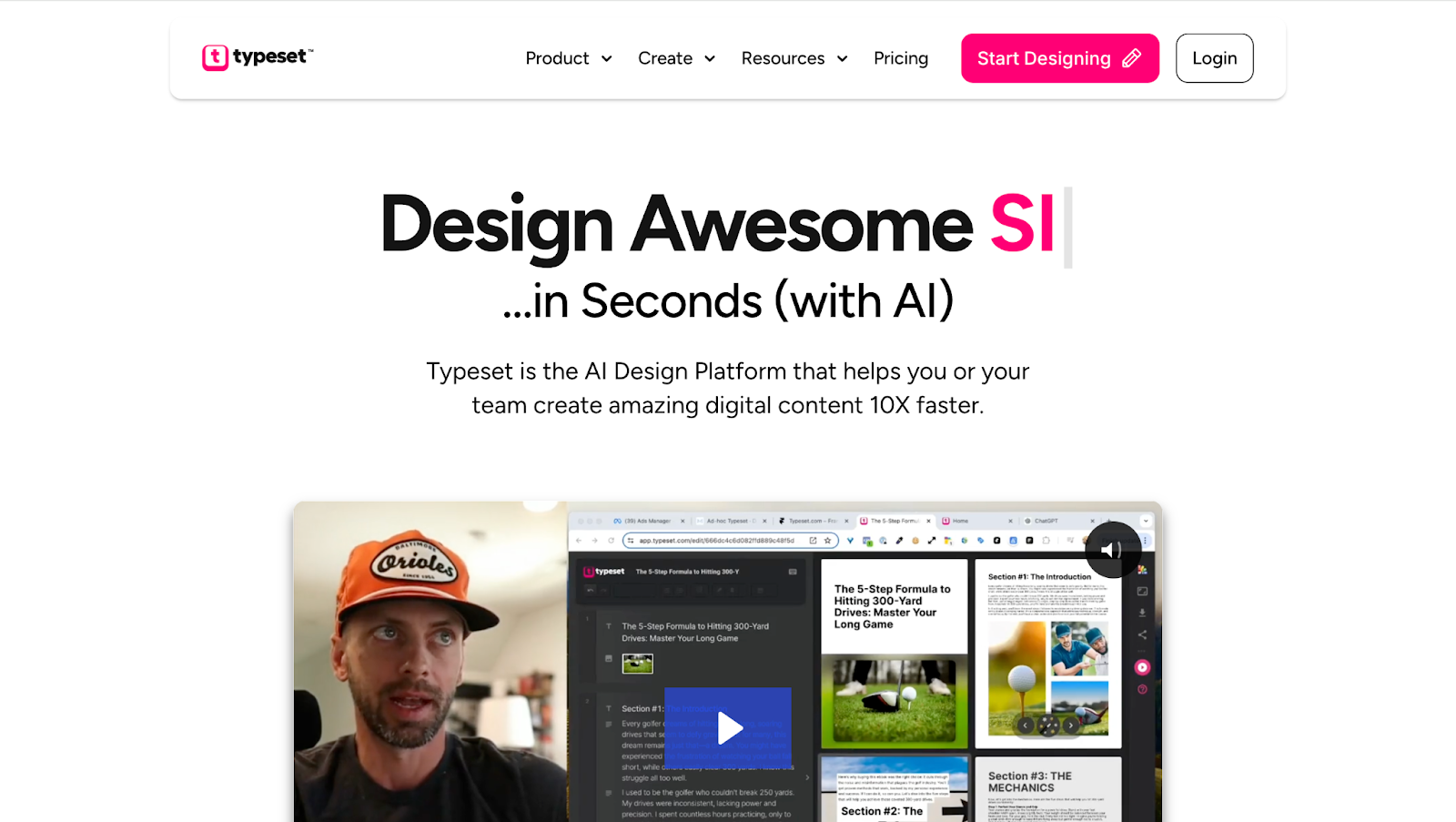
Typeset is an AI-powered content and presentation tool designed to turn written text into visually polished slides, documents, and reports. Users can input ideas or text, and Typeset automatically generates structured layouts with clean design.
The idea is simple: give it content, get presentation-ready visuals.
While this can be useful for formatting, many college students find that Typeset focuses more on how slides look than on how well the material is understood. For lecture-based classes and academic presentations, students often need help breaking down complex topics — not just designing them.
Why Students Look for Typeset Alternatives
College students typically search for Typeset alternatives for a few key reasons:
- Design over learning: Slides look good, but content comprehension is weak
- Limited academic support: Not built for lectures, textbooks, or exams
- Surface-level summaries: Hard to explain topics confidently when presenting
- Extra steps: Still need separate tools to study the material
- Not student-focused: Feels more business-oriented than classroom-friendly
For students giving presentations based on lectures, readings, or research, these limitations matter.
Best Typeset Alternatives for College Students
Below are the most common alternatives students compare when choosing a better tool for studying and presenting.
1. Mindgrasp
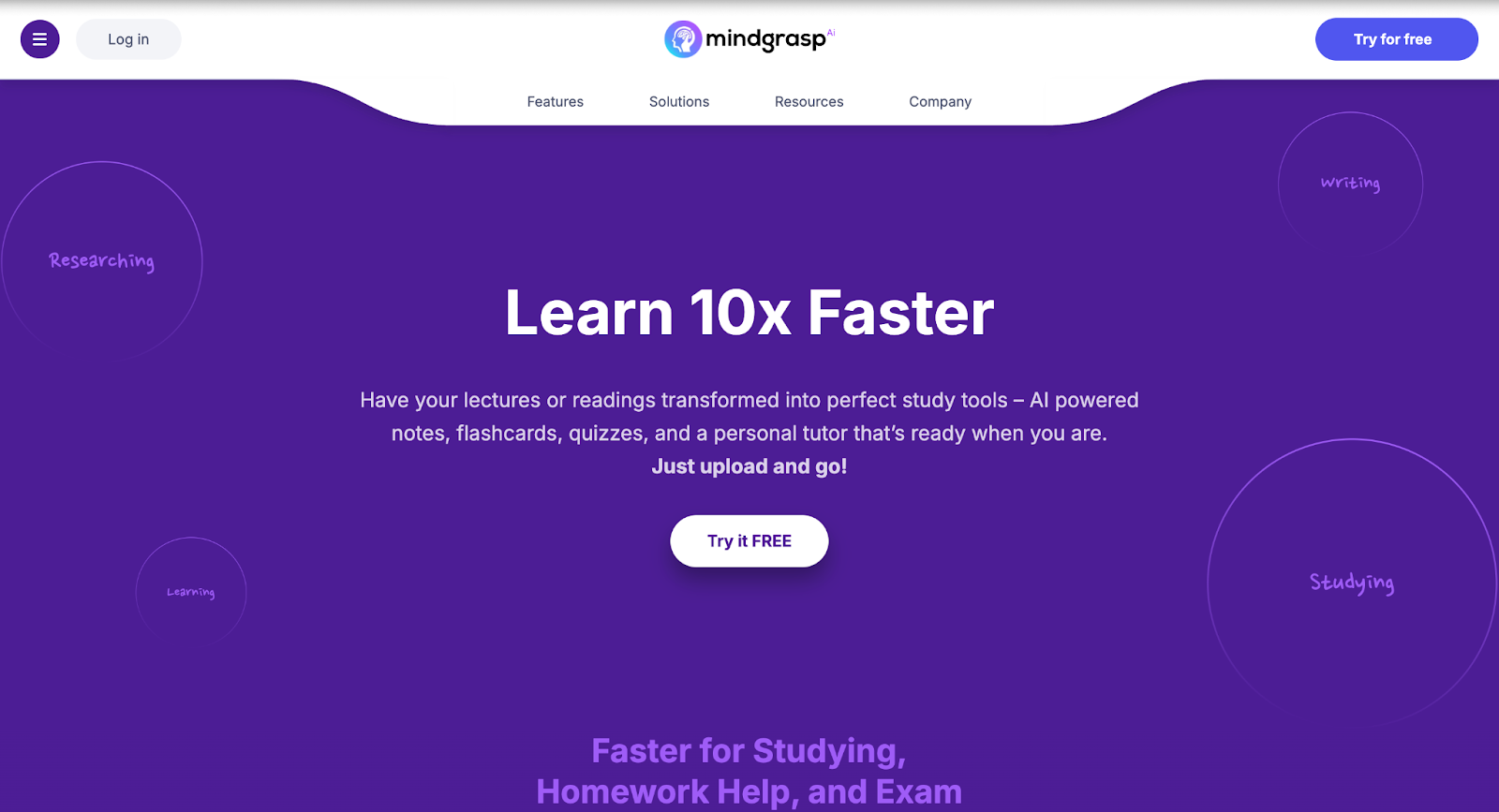
Best overall alternative for learning material and turning it into class presentations
Mindgrasp is the top choice for college students who want more than just visually polished slides. Unlike Typeset, which focuses on presentation design, Mindgrasp helps students understand their coursework first — then turn that understanding into clear, presentation-ready content.
Why Mindgrasp Stands Out
- Converts lecture recordings, videos, PDFs, articles, and links into structured notes
- Generates clear summaries, key points, flashcards, quizzes, and Q&A
- Perfect for creating presentation outlines and talking points for class
- Strong performance with complex and technical subjects
- Integrates with Canvas, Blackboard, and Panopto
- Built for college-level studying, retention, and confidence
Students often use Mindgrasp to study lecture material and then reuse those summaries as the foundation for slides, group projects, and presentations — all without starting from scratch.
Best for:
College students, group projects, lecture-based presentations, exam prep, and explaining complex topics clearly.
2. SlidesAI
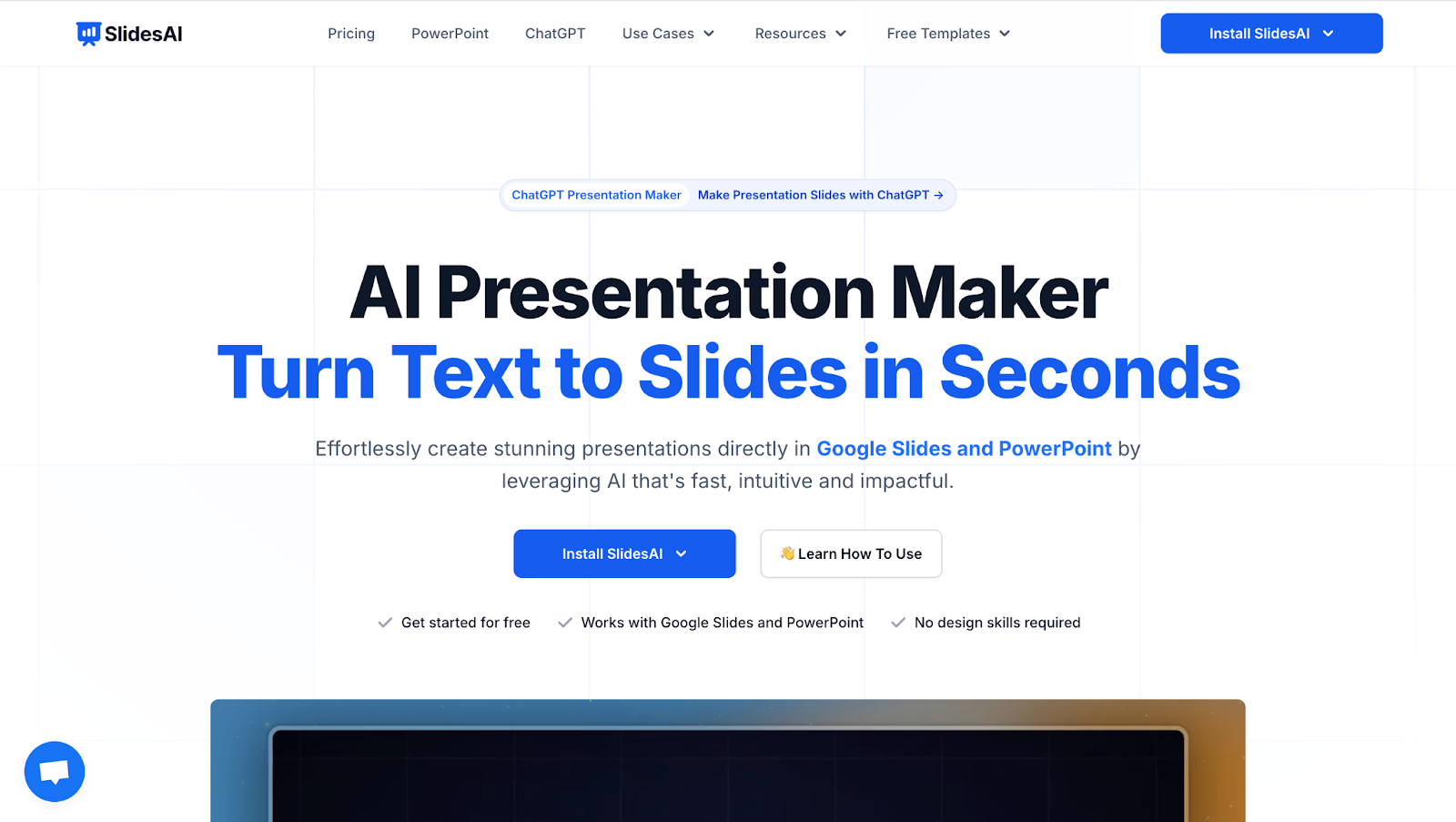
SlidesAI is an AI tool that turns text into slide decks quickly. It’s commonly used when students already have written content and want it formatted into slides.
Features of SlidesAI
- Converts text into presentation slides
- Simple slide layouts and formatting
- Quick setup with minimal customization
- Works directly with Google Slides
Benefits of Using SlidesAI
- Fast slide creation
- Easy to use for basic presentations
- Helpful if content is already prepared
Best for:
Students who already understand the material and just need simple slides.
3. Tome
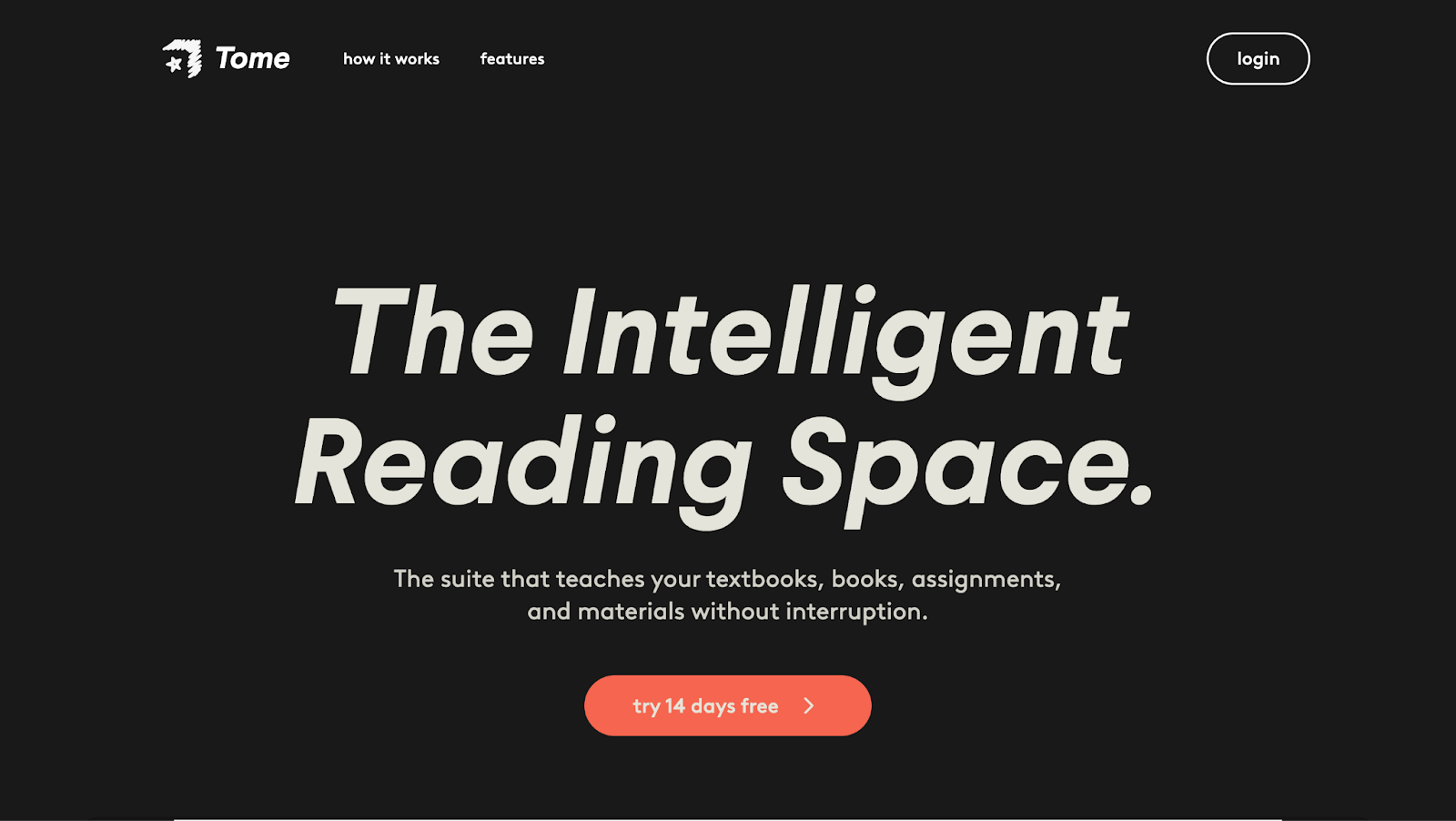
Tome is an AI storytelling and presentation tool designed to create visually engaging narratives. It’s often used for creative or idea-driven presentations.
Features of Tome
- AI-generated slide narratives
- Visual-first layouts
- Fast presentation creation
- Modern, minimal design
Benefits of Using Tome
- Visually appealing slides
- Good for storytelling-based presentations
- Easy to generate content quickly
Best for:
Creative presentations, but less effective for academic or technical coursework.
4. Decktopus
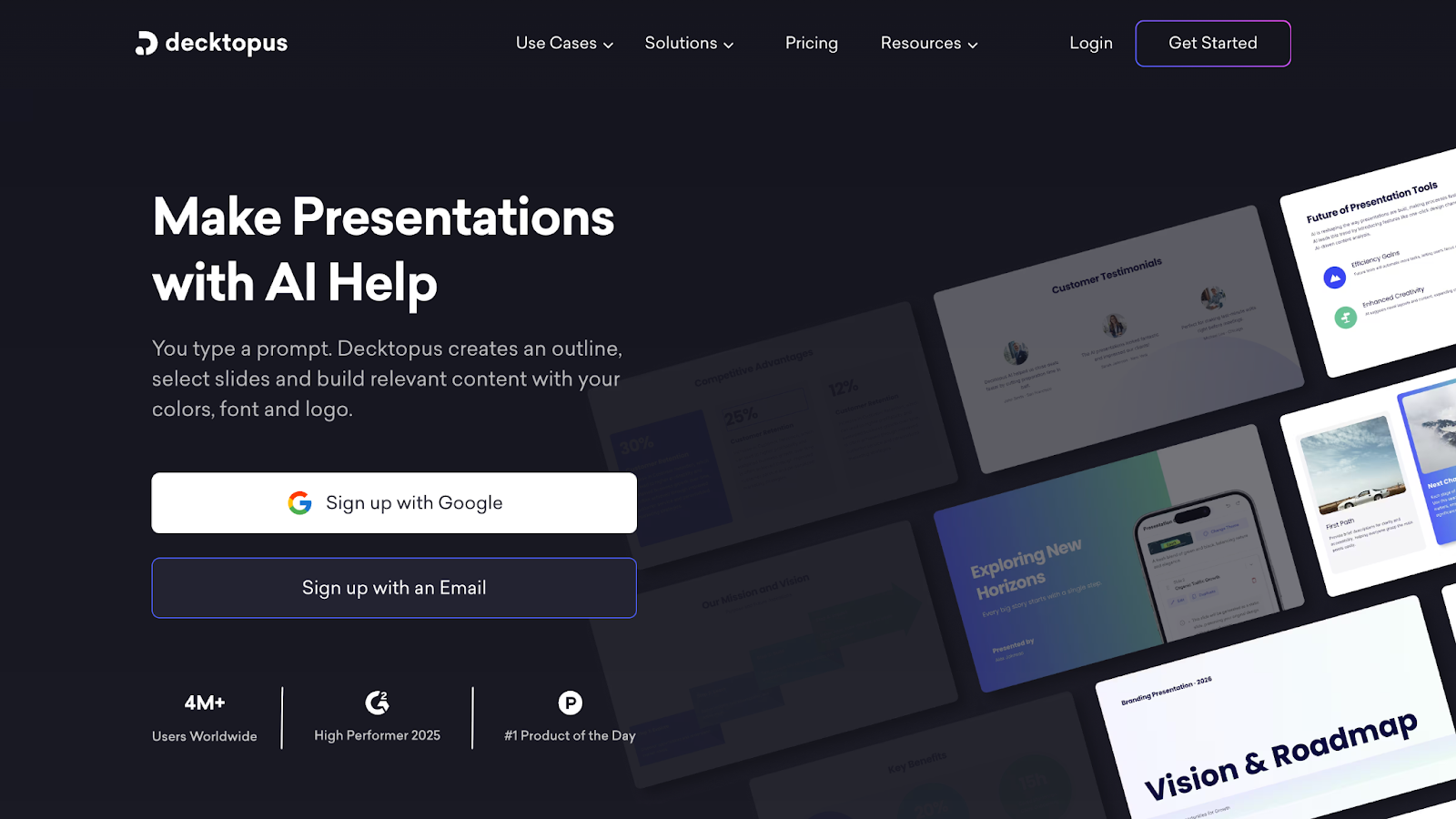
Decktopus is an automated presentation builder that relies on templates and guided prompts to generate slides.
Features of Decktopus
- Pre-built presentation templates
- Automated slide generation
- Simple customization tools
- Fast setup process
Benefits of Using Decktopus
- Quick slide creation
- Helpful for basic class presentations
- Low learning curve
Best for:
Students who need quick templates, but not deep content understanding.
5. Gamma
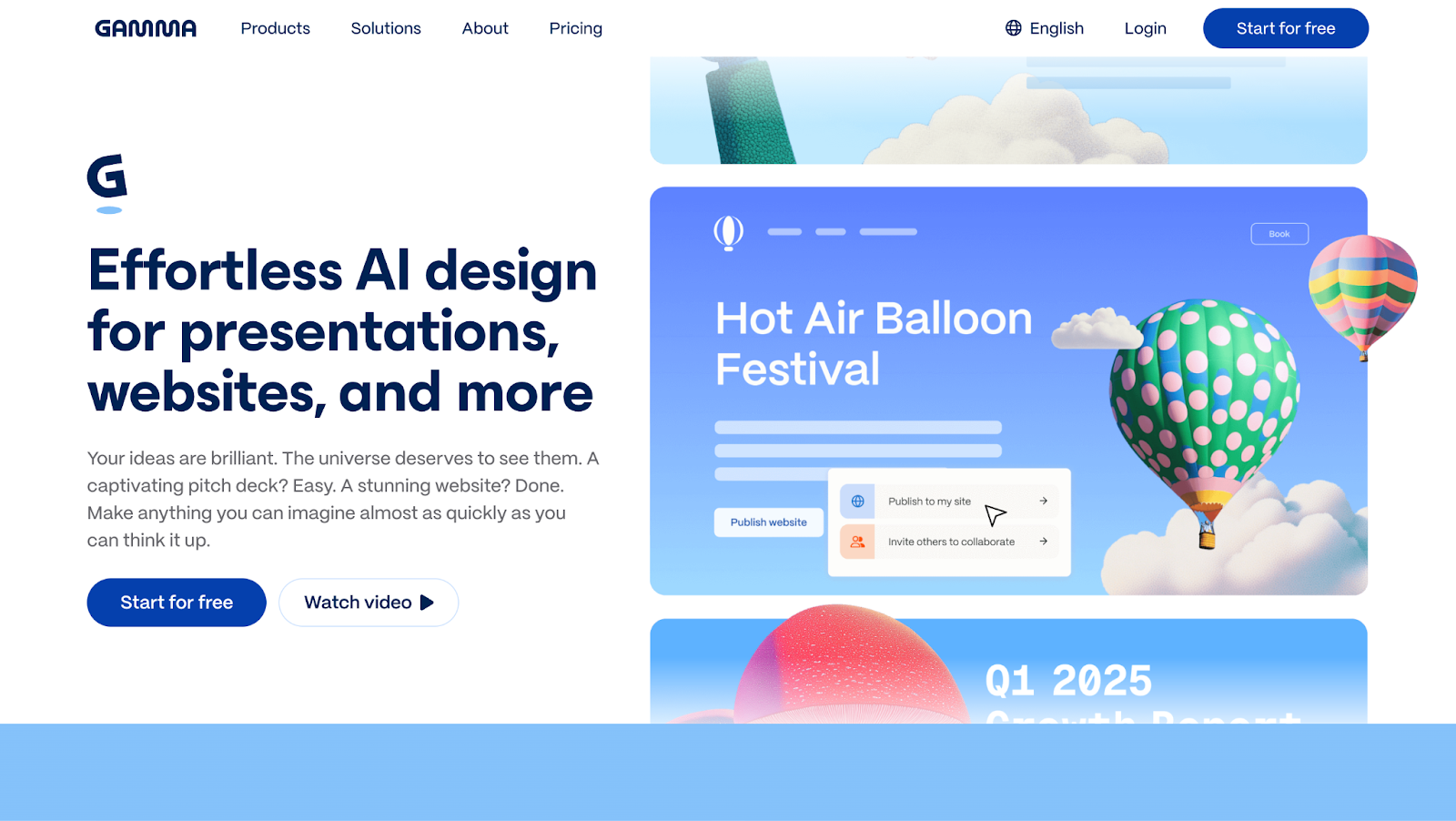
Gamma is an AI presentation tool focused on speed and layout generation. It’s often used when students want fast results with minimal effort.
Features of Gamma
- AI-generated slide layouts
- Simple content structuring
- Clean visual design
- Web-based presentations
Benefits of Using Gamma
- Fast output
- Modern slide design
- Easy to share presentations
Best for:
Short presentations where visual structure matters more than depth.
6. Canva (AI Features)
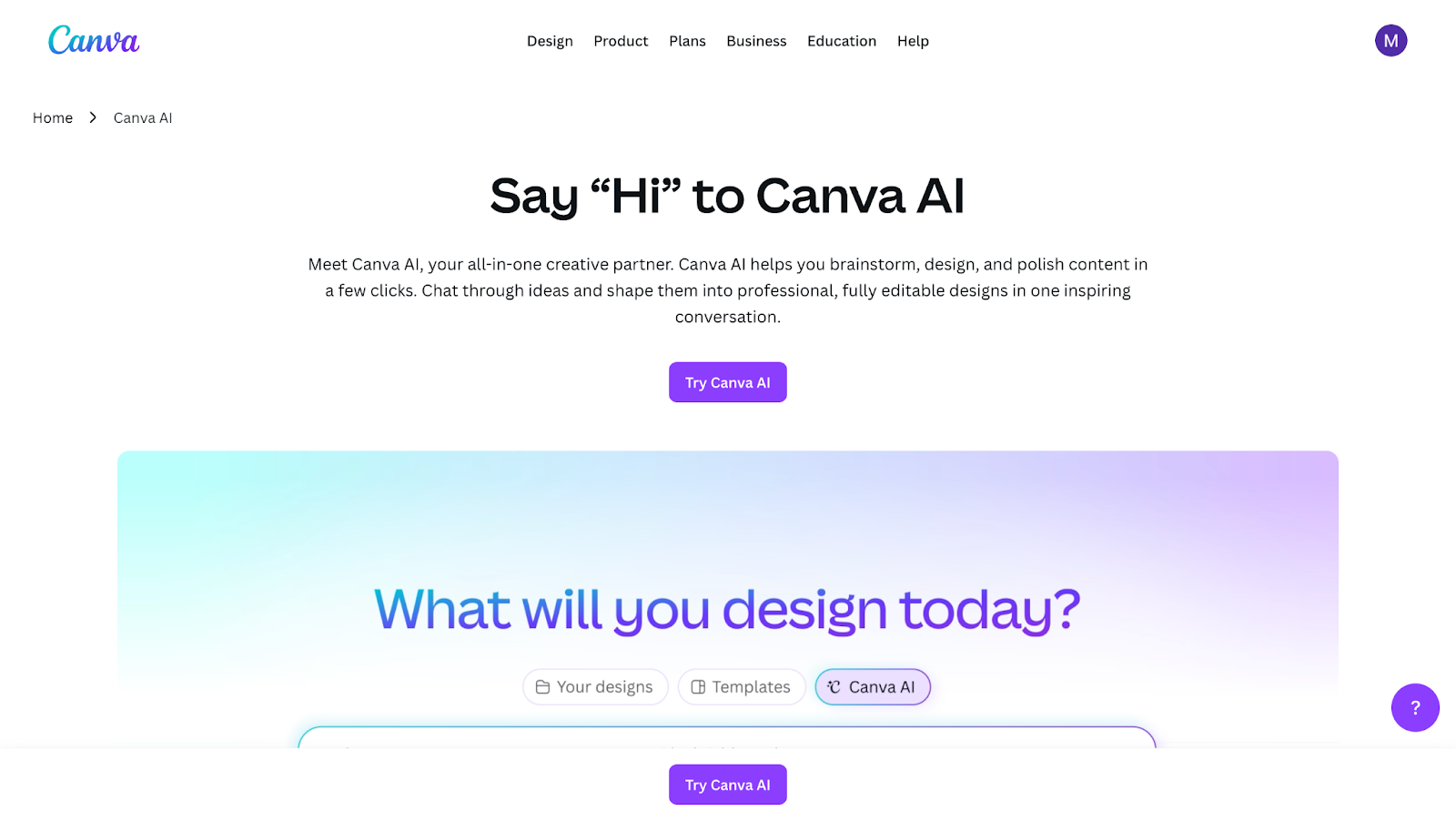
Canva is a popular design platform that includes AI-assisted presentation tools. While powerful visually, it’s not designed specifically for studying or learning content.
Features of Canva
- Presentation templates and layouts
- AI-assisted design tools
- Drag-and-drop editor
- Large design asset library
Benefits of Using Canva
- Strong visual customization
- Widely used and familiar
- Flexible design options
Best for:
Design-focused presentations that require heavy manual work.
7. PowerPoint + Copilot
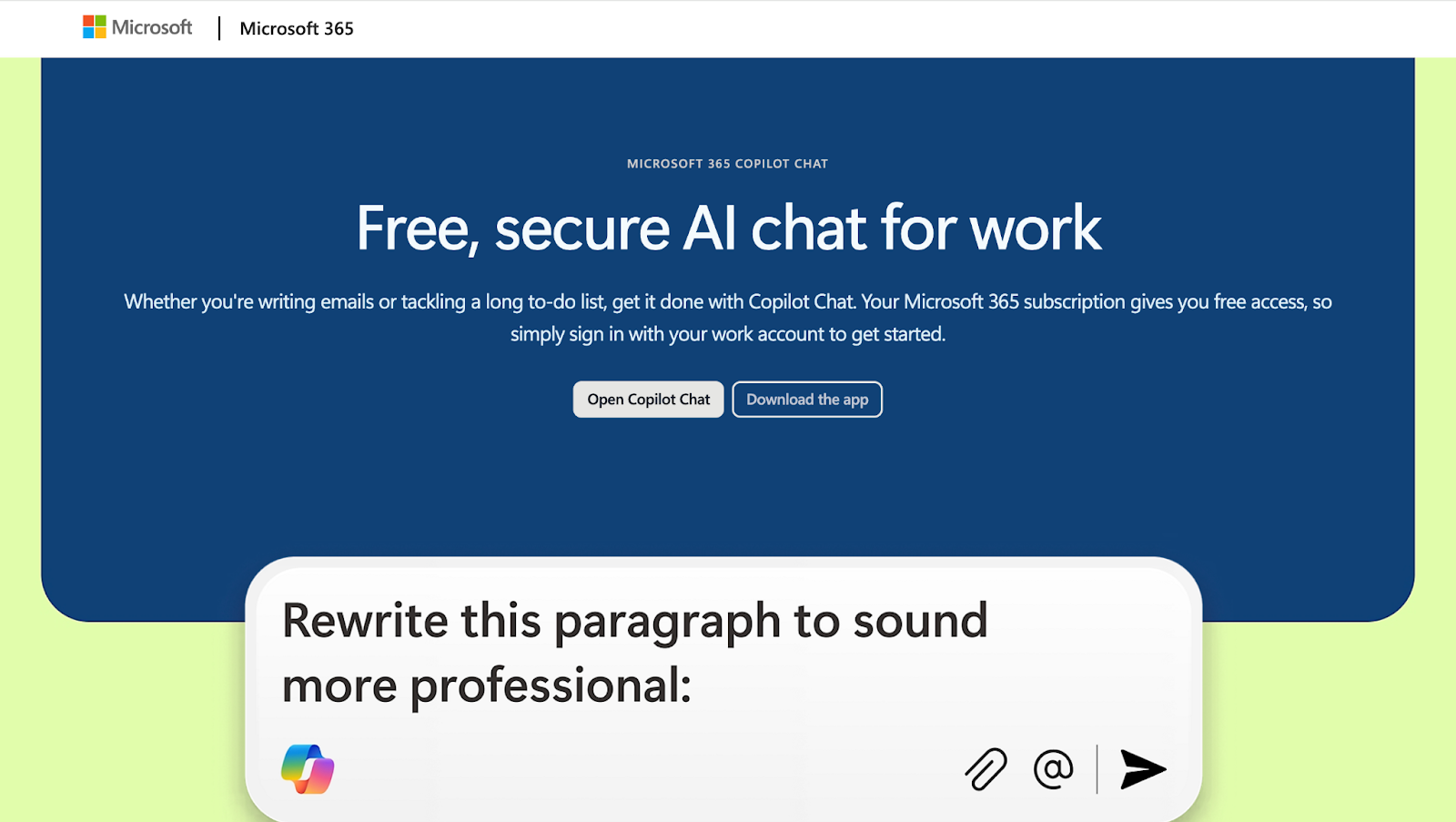
PowerPoint with Copilot adds AI assistance to the traditional presentation workflow. While helpful, it still requires significant manual input from students.
Features of PowerPoint + Copilot
- AI-generated slide suggestions
- Traditional PowerPoint tools
- Microsoft ecosystem integration
- Manual editing and formatting
Benefits of Using PowerPoint + Copilot
- Familiar interface
- Useful for basic slide generation
- Works well with existing files
Best for:
Students who prefer traditional tools but want light AI support.
Looking for a Typeset alternative built for college students? Try Mindgrasp now.
Why Mindgrasp Is the Best Typeset Alternative
Mindgrasp stands out because it helps students learn the content before presenting it. Instead of starting with slide design, students start with understanding — which leads to clearer explanations and stronger presentations.
With Mindgrasp, you can upload lectures, readings, and videos, then instantly turn them into organized notes and summaries that double as presentation outlines. This makes class presentations easier to build and far less stressful.
To recap, the best Typeset alternative for college students is Mindgrasp. It’s an AI learning assistant that helps you study smarter, understand faster, and present with confidence.